0
Wish List 0
Product Compare 0

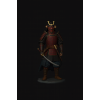
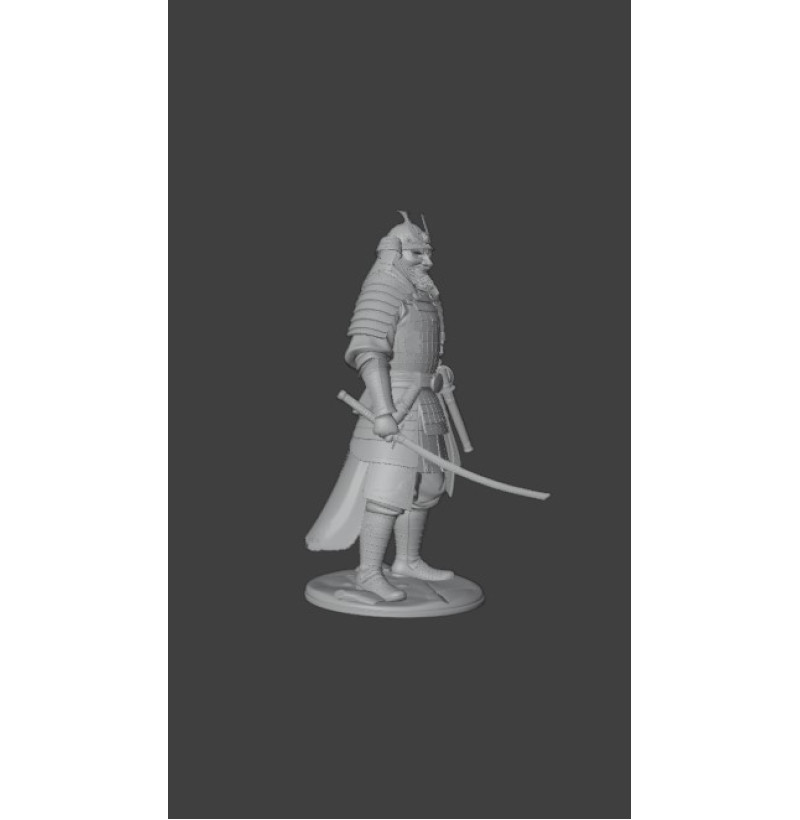
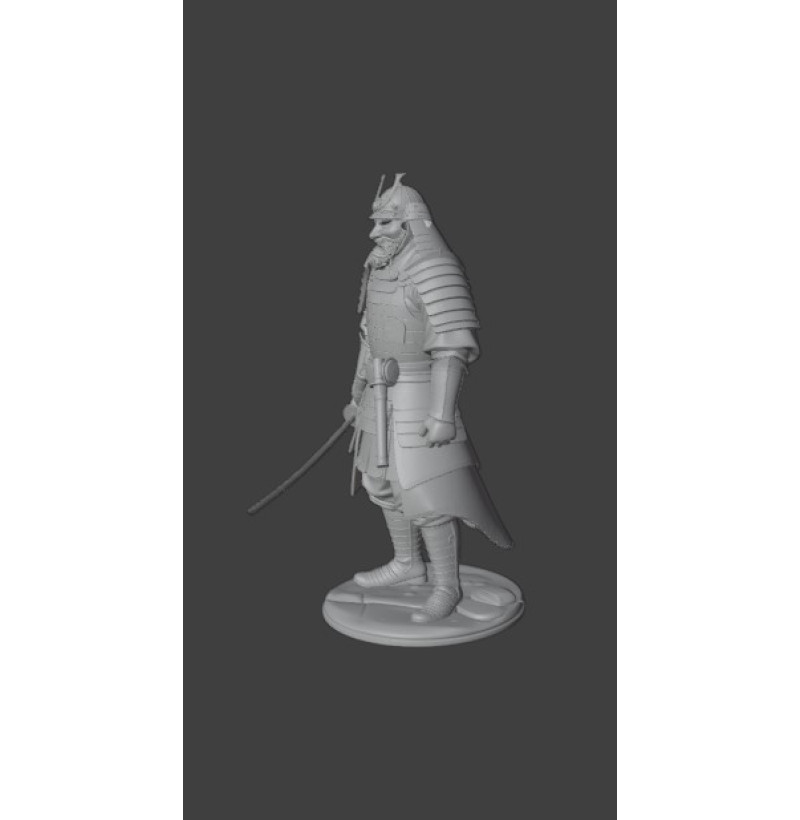
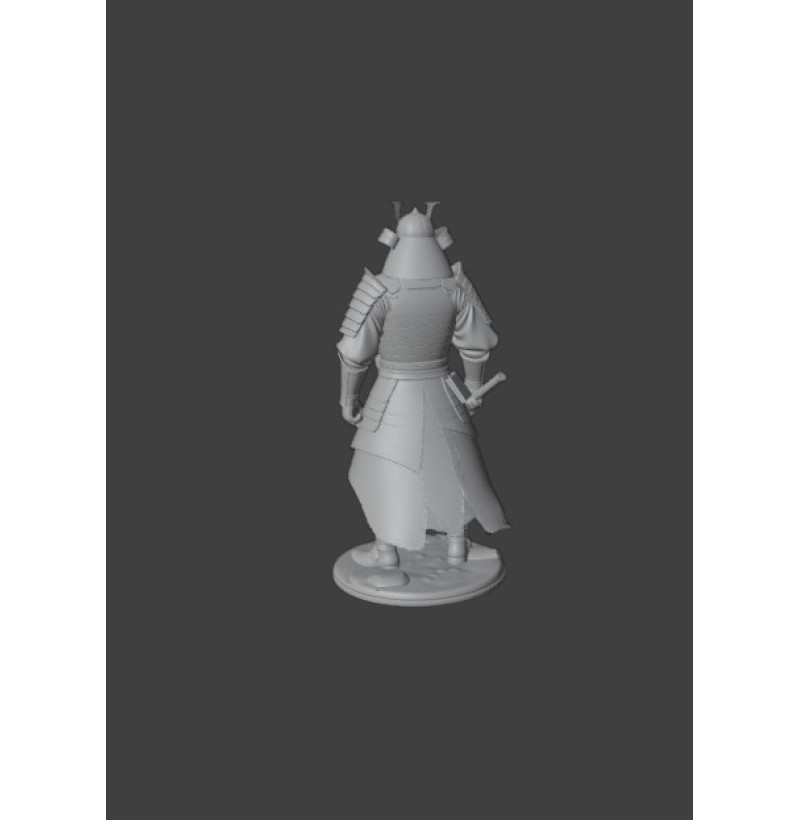
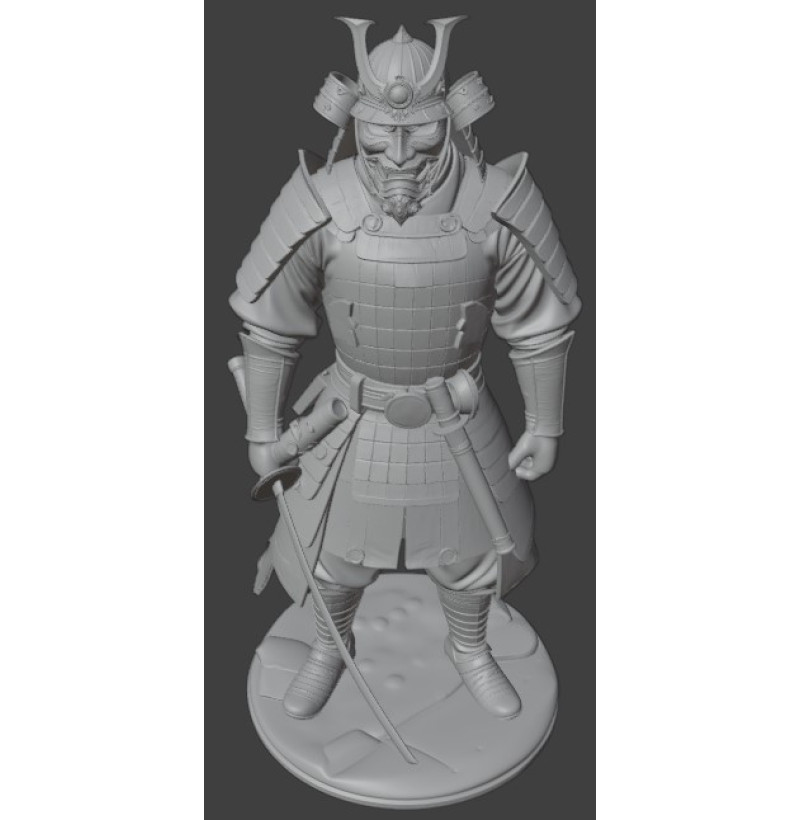
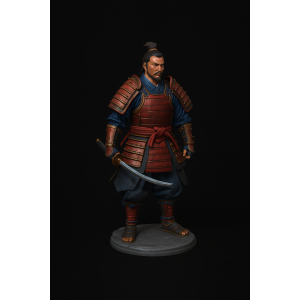
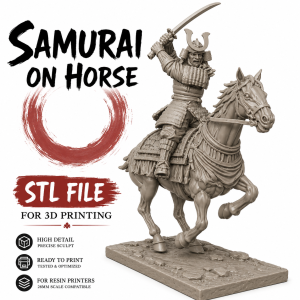
Samurai in Armor – Sengoku Period (15th–16th Century) STL File for 3D Printing

$2.14
TEST BLOCK
Instant Download STL + Supported Files Resin Ready Secure Checkout
Samurai in Armor – Sengoku Period (15th–16th Century) STL File for 3D Printing
  • Brand:  historstl
  • Availability:  In Stock
  • Product Code:  11-556
🔥 Already chosen by 25 buyers
⚡ Instant download
✔ Resin and FDM compatible
$2.14  Did you find a better price?
   
How do I download an STL file for printing?

How do I download STL files after purchase?

After payment, you will be able to download your purchased STL files for 3D printing in your personal account.

Your account is created automatically during checkout, so no additional registration is required.

📥 Download files:
Go to your account
  • open the Downloads section;
  • click the download button next to the file.


STL + Supported Files

Includes STL files ready for high-quality 3D printing and easy use.

For Resin & FDM Printing

Compatible with resin and FDM 3D printers. For the best detail quality, we recommend resin printing.

Samurai in Armor – Sengoku Period (15th–16th Century) STL File for 3D Printing Samurai in Armor – Sengoku Period (15th–16th Century) STL File for 3D Printing Samurai in Armor – Sengoku Period (15th–16th Century) STL File for 3D Printing Samurai in Armor – Sengoku Period (15th–16th Century) STL File for 3D Printing Samurai in Armor – Sengoku Period (15th–16th Century) STL File for 3D Printing Samurai in Armor – Sengoku Period (15th–16th Century) STL File for 3D Printing
Average customer rating:   0 out of 5 stars

There are no reviews for this product.

❓ Questions & Answers
Answers to the most common questions about purchasing, downloading, and 3D printing STL files.
How do I download STL files after purchase?

After payment, you will be able to download your purchased STL files for 3D printing in your personal account.

Your account is created automatically during checkout, so no additional registration is required.

📥 Download files:
Go to your account
  • open the Downloads section;
  • click the download button next to the file.
What file format is provided?
All models are provided in STL format.
Will these files work with my 3D printer?
Yes, STL is a universal format compatible with most 3D printers.
Is the model split into parts or a single piece?
It depends on the model — it can be a single piece, split into parts, or both versions may be included.
Can I resize the model?
Yes, you can scale the model in any slicer without losing quality.
What material should I use?
PLA for easy printing, PETG or ABS for strength, and resin for high detail.
Is this a digital product?
Yes, this is a digital STL file for 3D printing.
Can I get a refund?
Refunds are only possible in case of a technical issue with the file.
What if the file does not work?
Contact us and we will help resolve the issue or provide a replacement file.
⚠️ Important
All products are digital STL files for 3D printing. After purchase, files are available instantly in your account.
Go to your account


PRINTERS


For printing miniatures, we always recommend RESIN 3D printers as they provide exceptional detail and a smooth surface finish. Our models have been tested on the Anycubic Photon Mono M5s and Phrozen Sonic Mighty 8K printers. We do not use FDM (filament) printing technology or other materials and therefore cannot provide support for those types of printers.


SLICER SOFTWARE


We recommend using Chitubox for its user-friendly interface, automatic support generation, advanced scaling options, and professional tools for preparing models for printing.


SCALING


Most of our models scale exceptionally well both up and down without noticeable loss of quality. All models are created at the scale specified in their listing; however, users have successfully printed them in scales ranging from 1:72 up to 1:6.


SUPPORT REMOVAL AND CLEANUP


To make support removal easier, we recommend soaking the model in warm water for 5–10 minutes. After this treatment, supports can usually be removed much more easily and leave fewer marks on the model's surface.


After removing the supports, the model should be thoroughly cleaned. Excellent results can be achieved by soaking the print for 30–60 minutes in Mean Green or a similar cleaning solution, followed by an additional 15–30 minute rinse in Isopropyl Alcohol (IPA).


REQUESTS & SUGGESTIONS


While we do not accept custom orders, we are always happy to hear your ideas for new models you'd like to see in our store. Simply send us a description or a reference image, and we will consider adding the project to our production schedule.


We truly enjoy helping bring creative ideas to life and expanding our catalog based on community feedback and suggestions.


Description


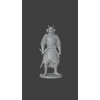
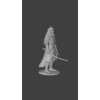
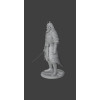
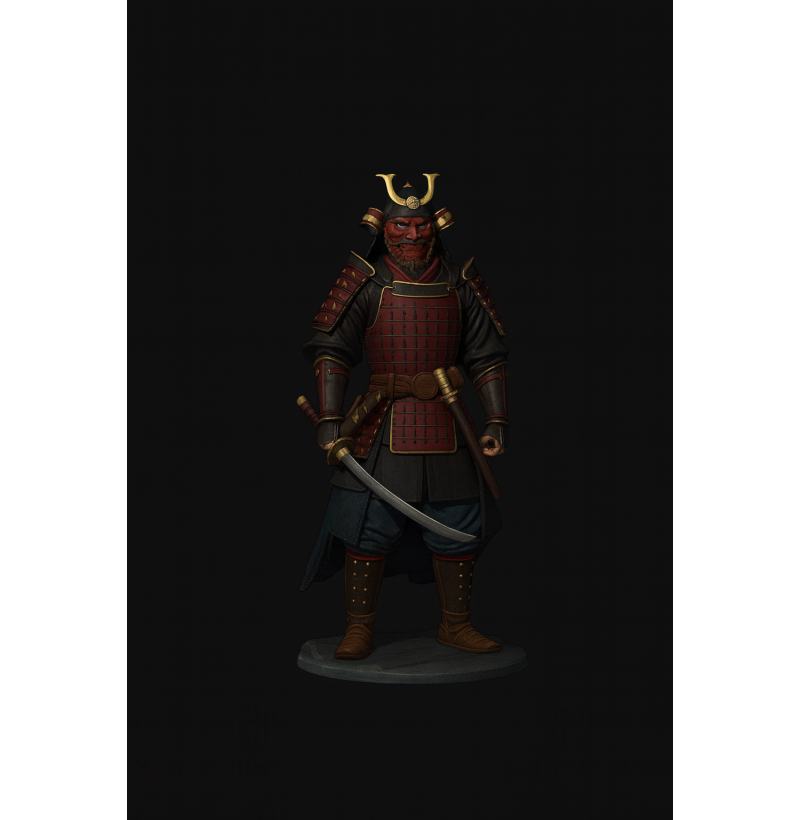
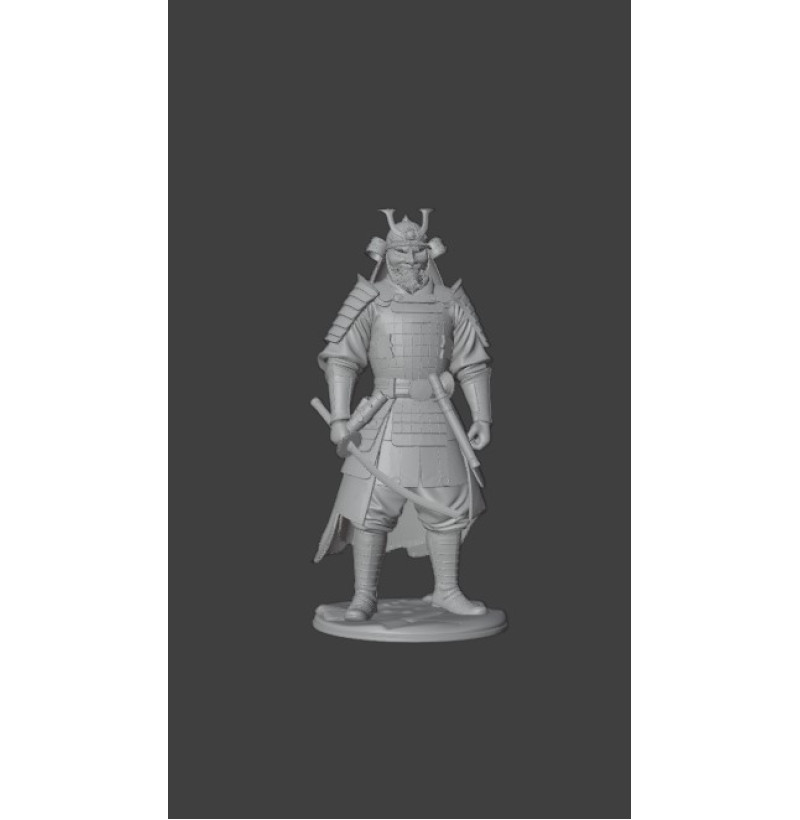
The “Samurai in Armor – Sengoku Period” STL file is a highly detailed 3D model of a feudal Japanese warrior, created for 3D printing on FDM and SLA printers.


The Sengoku period (15th–16th century) was one of the most dramatic eras in Japanese history, marked by constant civil wars. Samurai served powerful daimyō and wore lamellar armor tied with silk cords. Their helmets often featured clan symbols that represented honor and loyalty.


This model is perfect for:


  • collectible figurines

  • miniature painting

  • tabletop games

  • dioramas and decoration


✔ High level of detail
✔ Optimized for 3D printing
✔ Compatible with PLA, ABS, PETG and resin printers


Buy STL file of a samurai in armor — instant digital download after purchase.


Buy with this product